CleanMyMac
The most user-friendly problem fixer for Mac. Delete system junk, unwanted apps and malware, and tune your Mac for maximum speed. For a slow computer, use immediately.
Installation
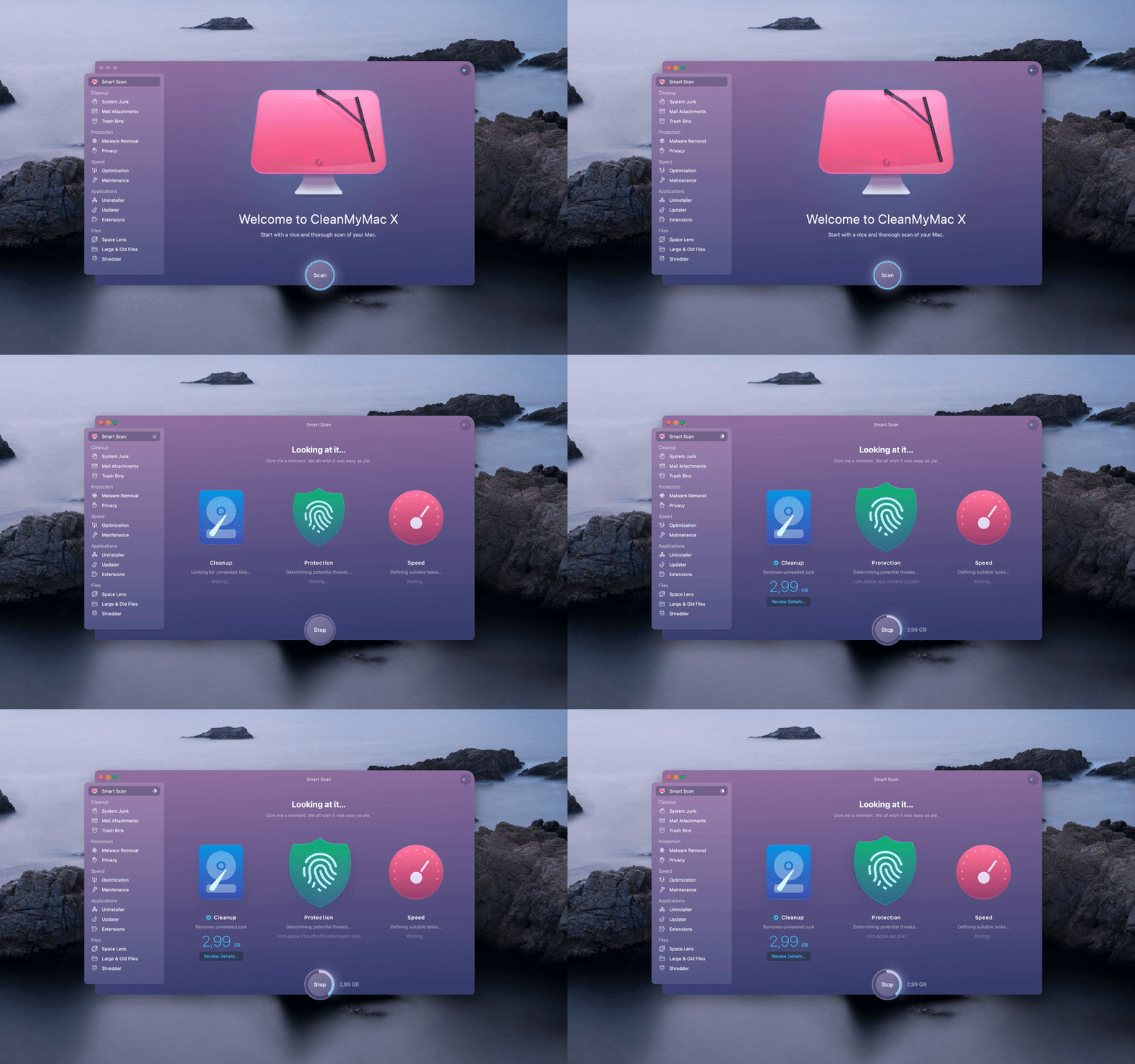
Section titled “Installation”Download newest release from macOS AppStore or download from website cleanmymac.com
Examples
Section titled “Examples”Clean up your Mac
Section titled “Clean up your Mac”The end of system junk
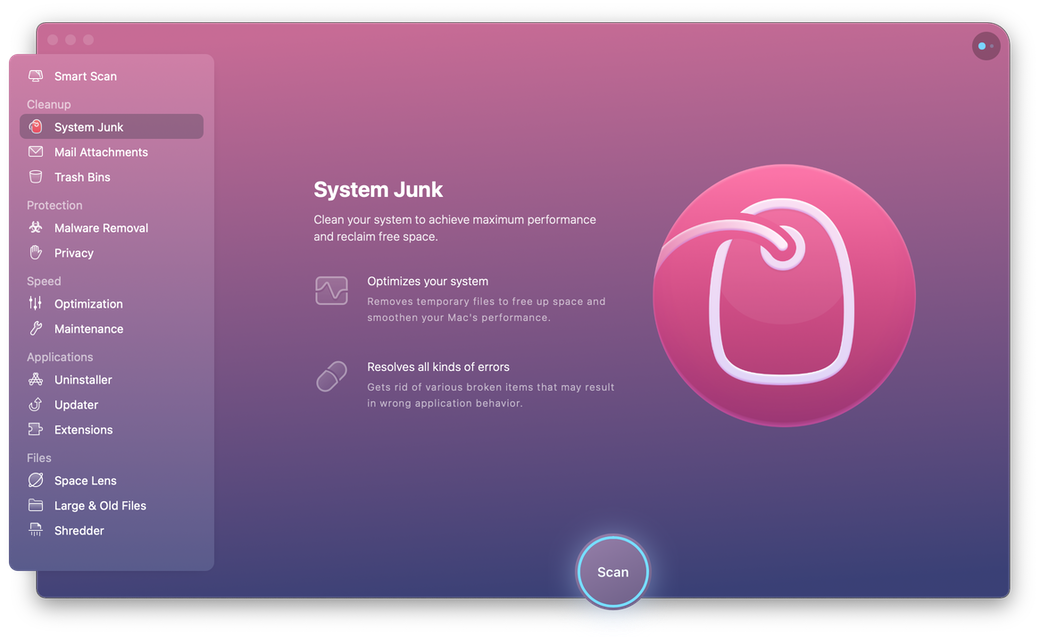
Section titled “The end of system junk”Tons of invisible cache files are finally done with. You can mass remove unused DMGs, incomplete downloads, and the rest of old baggage.
Sweep away large hidden files
Section titled “Sweep away large hidden files”Locate massive old files that were swept under the rug. Need to filter out just movies or months-old documents? No problem.
Space Lens: Your storage, visualized
Section titled “Space Lens: Your storage, visualized”This tool builds an interactive map of your entire drive. You can visually spot the largest space-wasters to quickly free up space on Mac.
Speed up your Mac
Section titled “Speed up your Mac”An army of maintenance tools
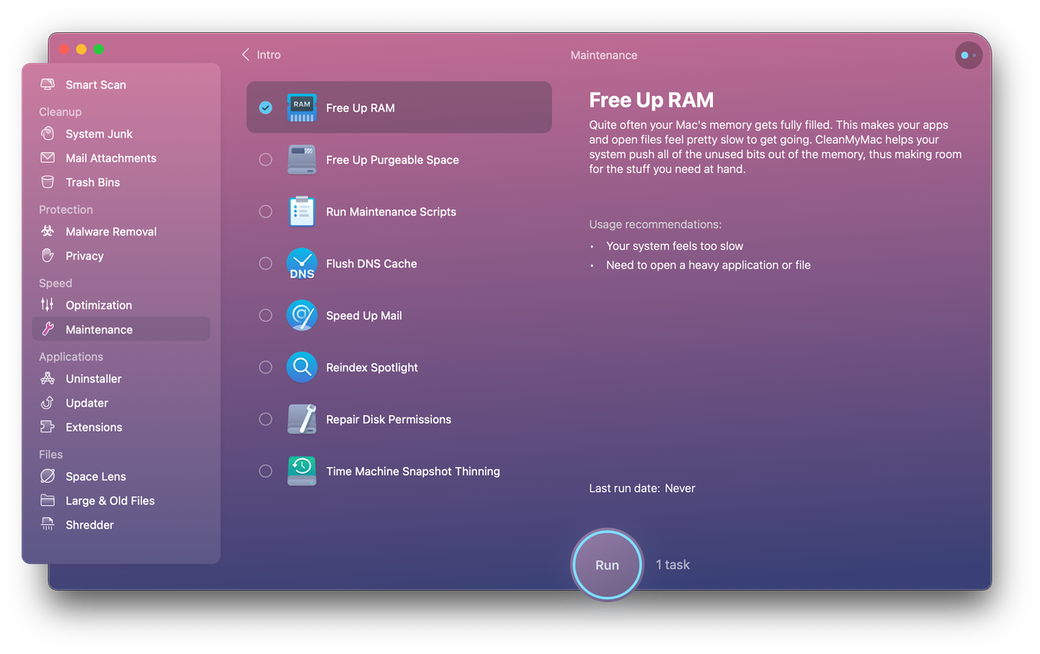
Section titled “An army of maintenance tools”When your Mac stalls, free up its RAM memory in a click. Also, run Maintenance scripts to make your apps more responsive. Now, your MacBook is unstoppable.
Full-scale macOS optimization
Section titled “Full-scale macOS optimization”Find and disable apps that cannibalize your memory resources. Switch off background plugins and fix small errors like an Apple genius.
Remove malware from Mac
Section titled “Remove malware from Mac”It stops macOS-specific viruses
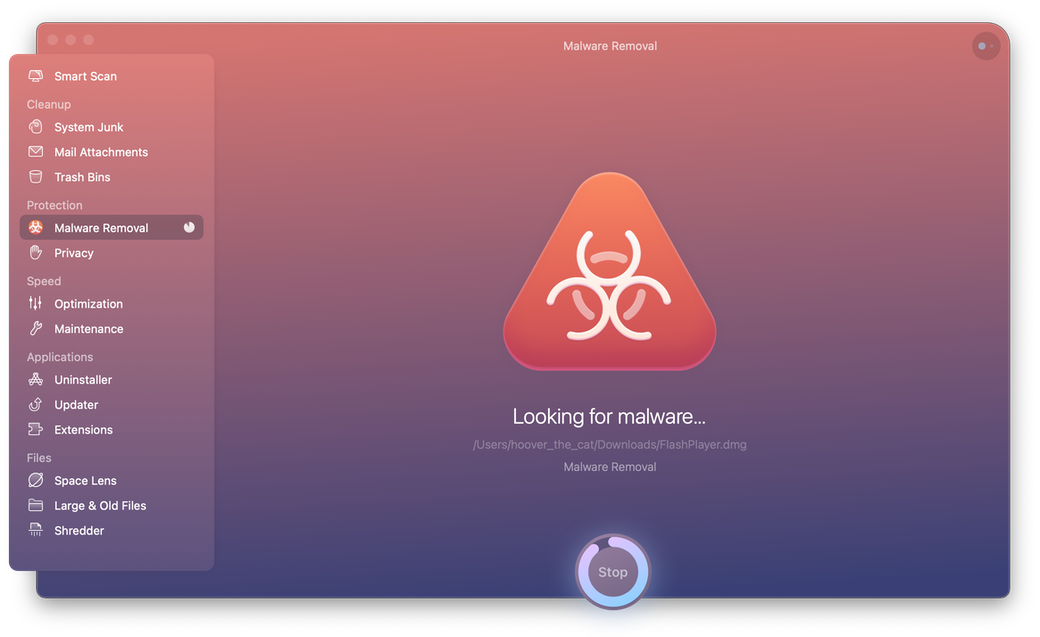
Section titled “It stops macOS-specific viruses”CleanMyMac X officially holds a “Gold” level of Mac virus detection. We give you a real-time shield against trojans, data miners, and recent browser hijackers.
Privacy: Rewrite your online history
Section titled “Privacy: Rewrite your online history”Delete tracking cookies so advertisers cannot follow you across the web. Erase sensitive details like messenger chats and browser history.
Manage apps and extensions
Section titled “Manage apps and extensions”Uninstall known and unknown apps
Section titled “Uninstall known and unknown apps”Mass delete unwanted apps, plugins, and extensions. You can find unused apps that have been left undetected for months. Did you know you could also reset an app?
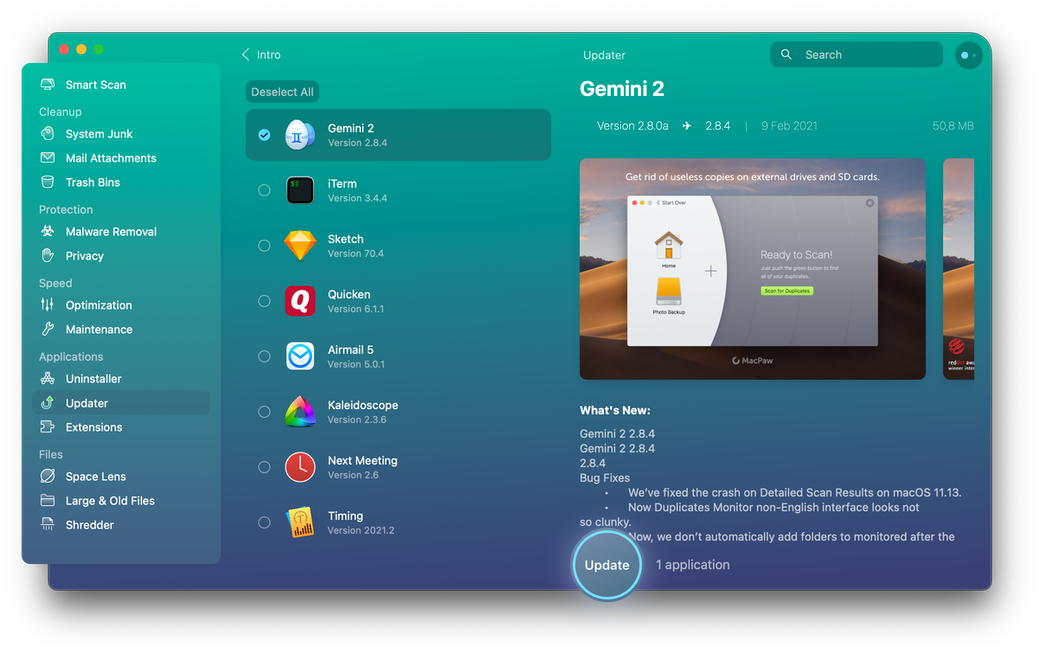
Keep your apps forever young
Section titled “Keep your apps forever young”Update all your apps in one sweep, including the macOS itself. Everything is refreshed, and you can see what’s been added in each update.