
Ice
Ice is a powerful menu bar management tool. While its primary function is hiding and showing menu bar items, it aims to cover a wide variety of additional features to make it one of the most versatile menu bar tools available.
Installation
Section titled “Installation”Download the “Ice.zip” file from the latest release and move the unzipped app into your Applications folder.
Or use Brew.sh:
brew install jordanbaird-iceExamples
Section titled “Examples”Show hidden menu bar items below the menu bar
Section titled “Show hidden menu bar items below the menu bar”
Drag-and-drop interface to arrange menu bar items
Section titled “Drag-and-drop interface to arrange menu bar items”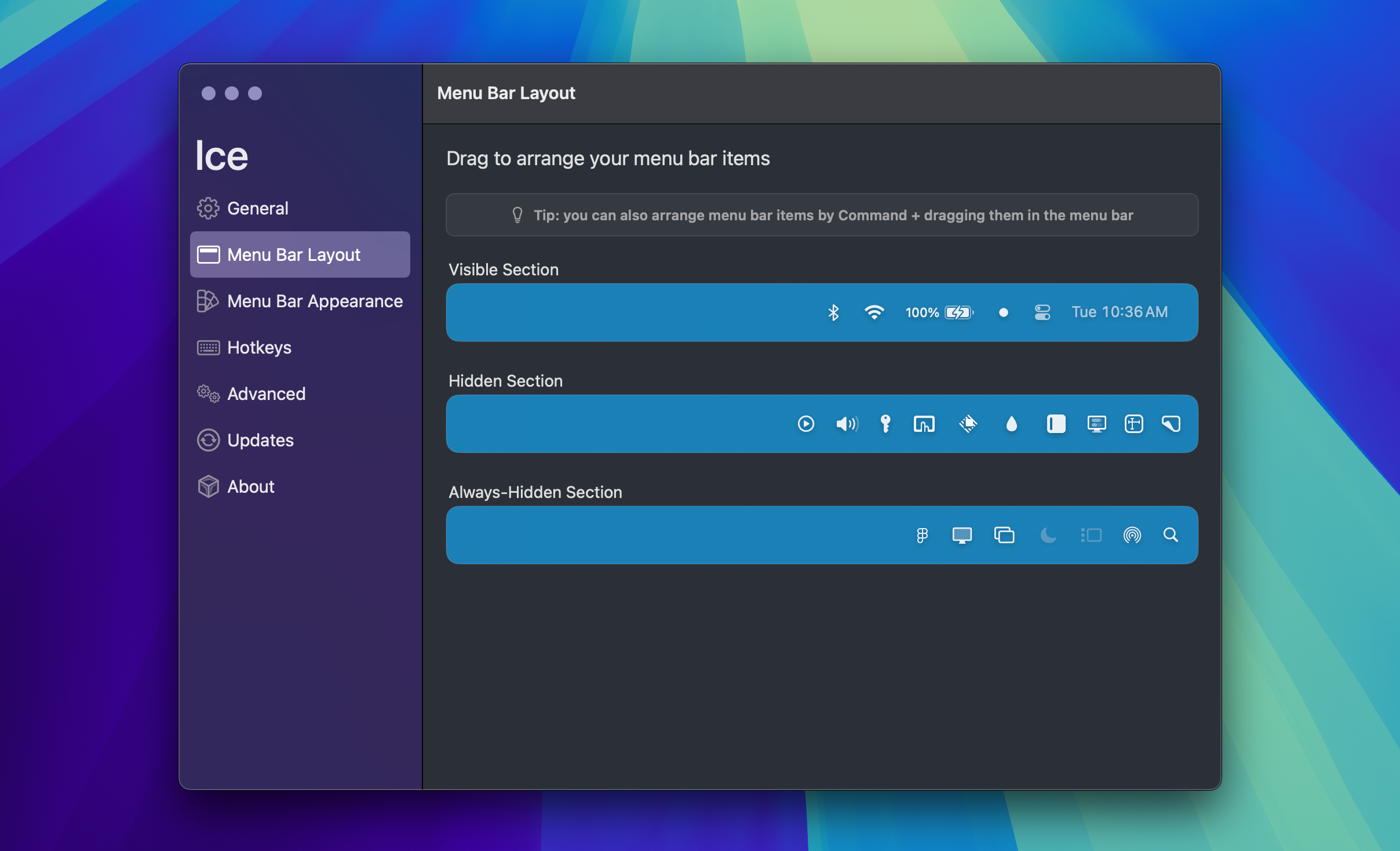
Customize the menu bar’s appearance
Section titled “Customize the menu bar’s appearance”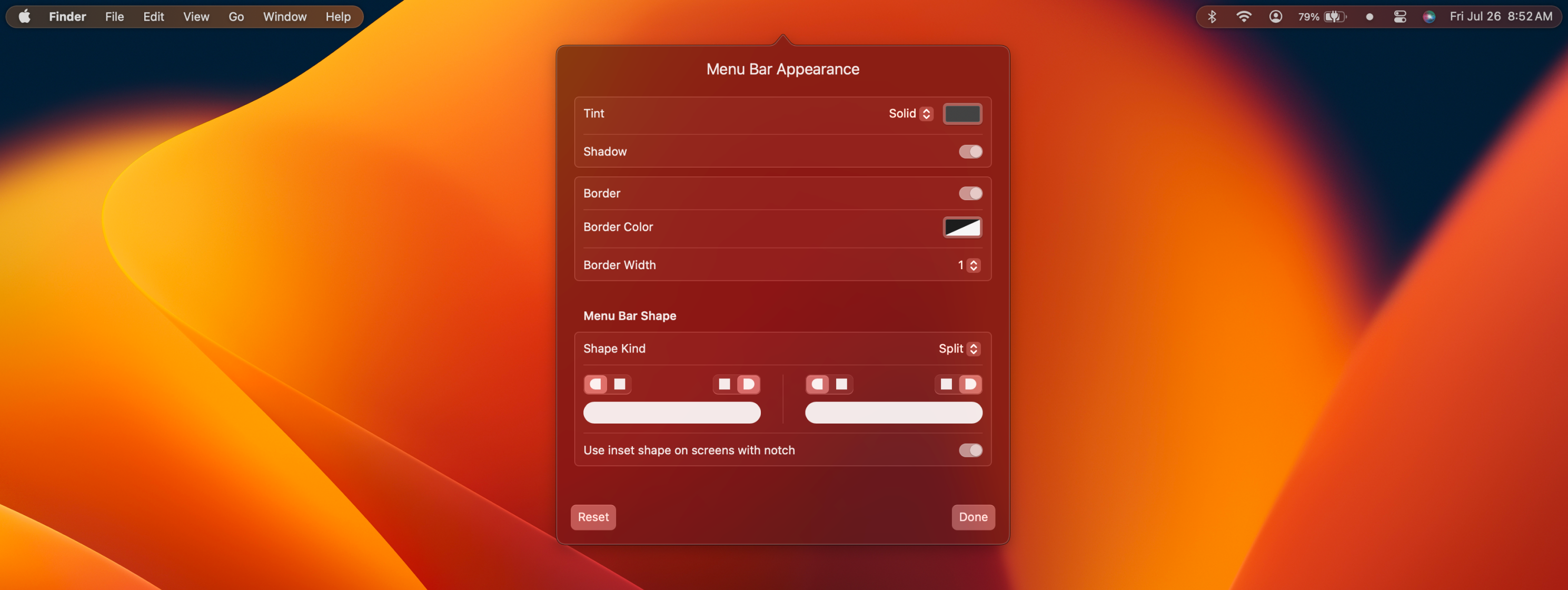
Menu bar item search
Section titled “Menu bar item search”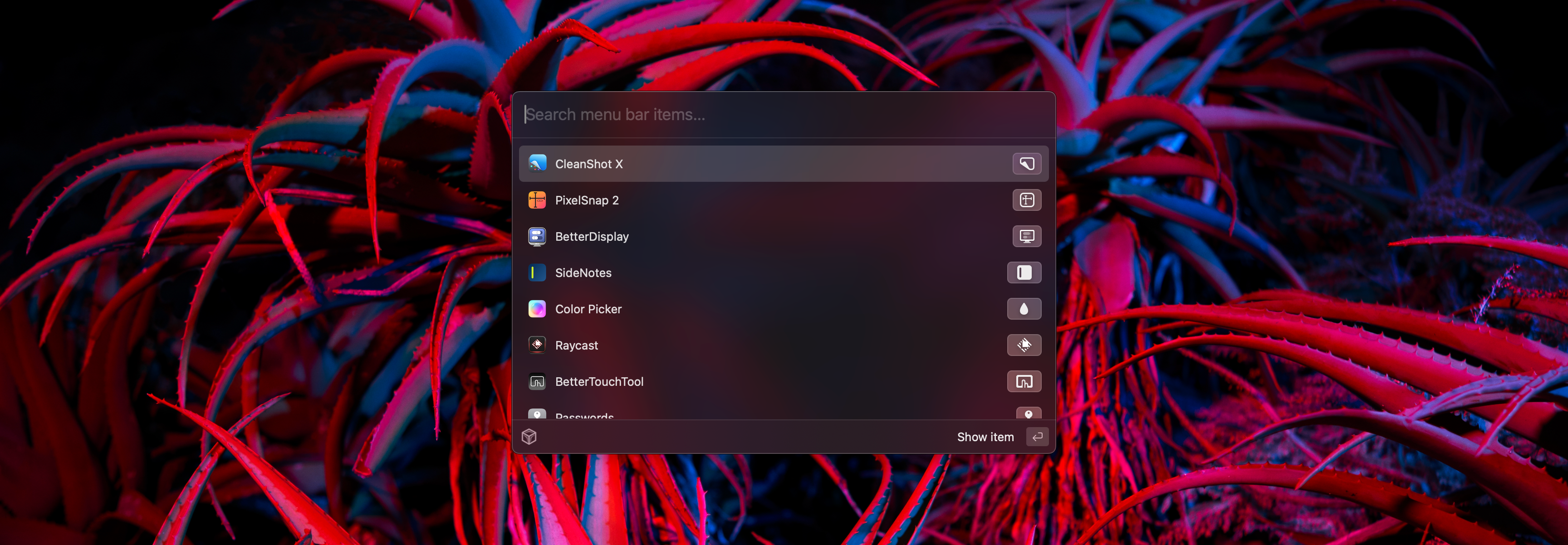
Custom menu bar item spacing
Section titled “Custom menu bar item spacing”
URL list
Section titled “URL list”- [Github.com - Ice]()