MonitorControl
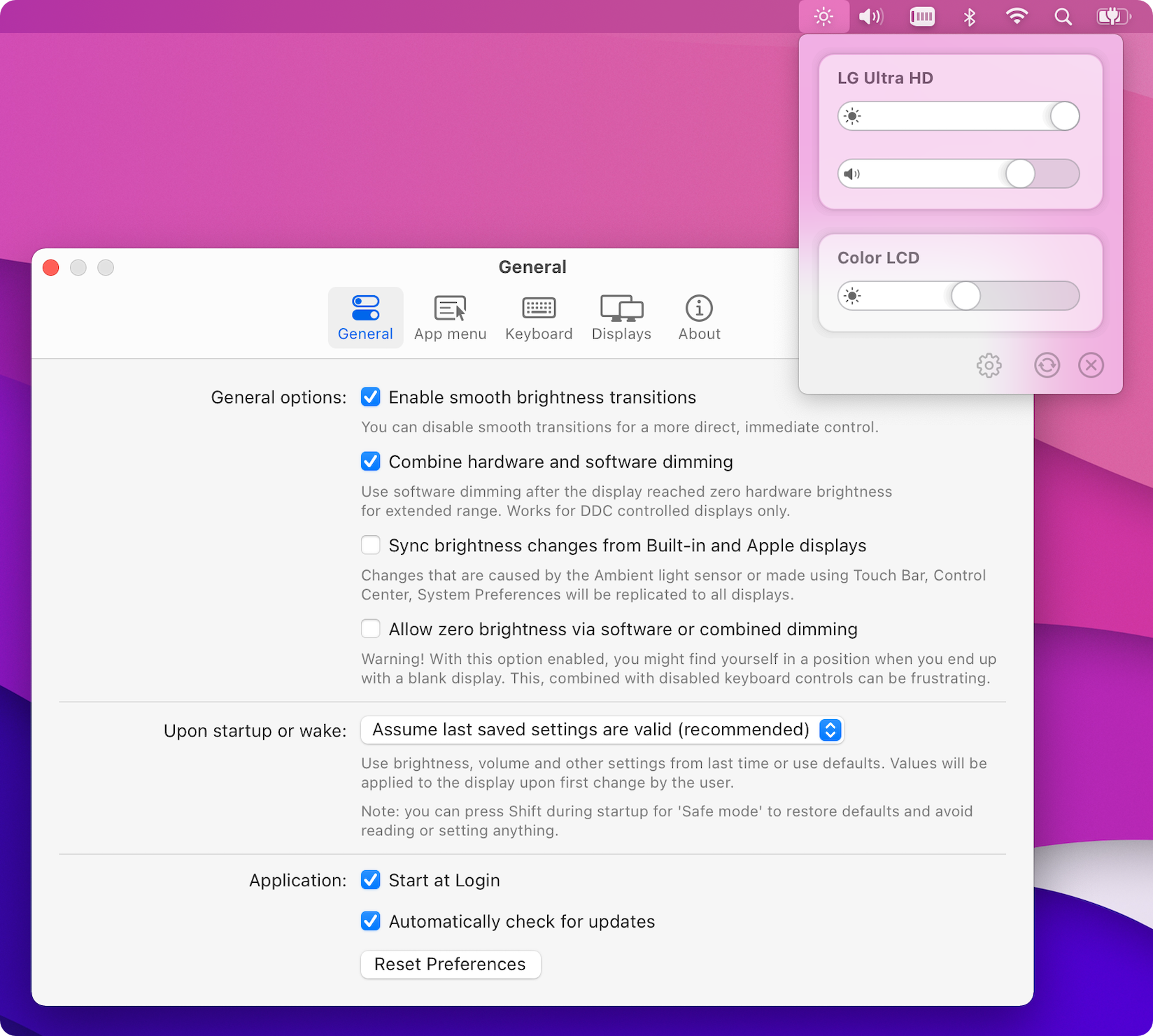
Control your display’s brightness & volume on your Mac as if it was a native Apple Display. Use Apple Keyboard keys or custom shortcuts. Shows the native macOS OSDs.
Major features
Section titled “Major features”- Control your display’s brightness, volume and contrast!
- Shows native OSD for brightness and volume.
- Supports multiple protocols to adjust brightness: DDC for external displays (brightness, contrast, volume), native Apple protocol for Apple and built-in displays, Gamma table control for software adjustment (recommended for OLED), shade control for AirPlay, Sidecar and Display Link devices.
- Supports smooth brightness transitions.
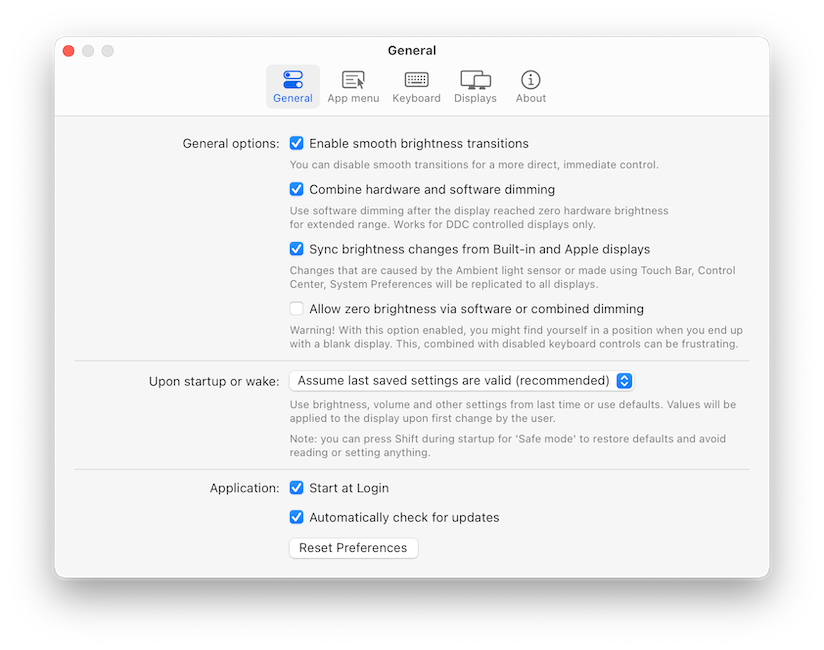
- Seamlessly combined hardware and software dimming extends dimming beyond the minimum brightness available on your display.
- Synchronize brightness from built-in and Apple screens - replicate Ambient light sensor and touch bar induced changes to a non-Apple external display!
- Sync up all your displays using a single slider or keyboard shortcuts.
- Allows dimming to full black (advanced feature).
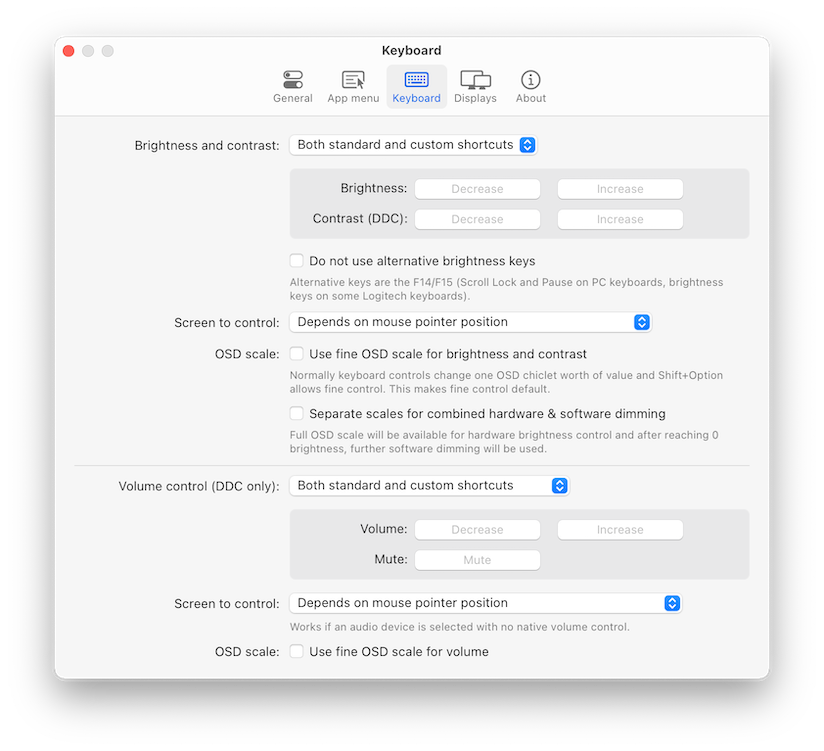
- Support for custom keyboard shortcuts as well as standard brightness and media keys on Apple keyboards.
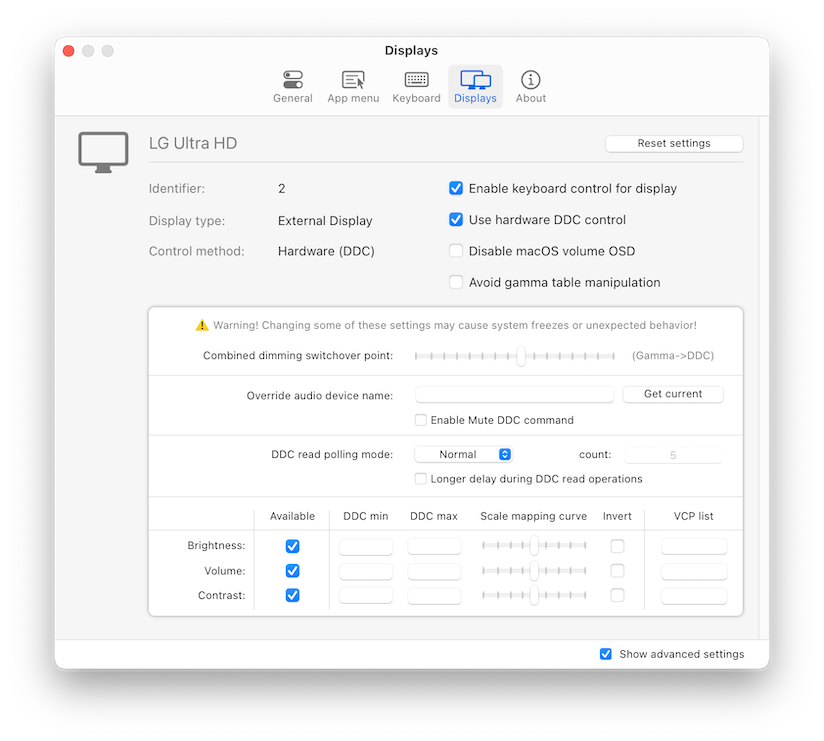
- Dozens of customization options to tweak the inner workings of the app to suit your hardware and needs (don’t forget to enable
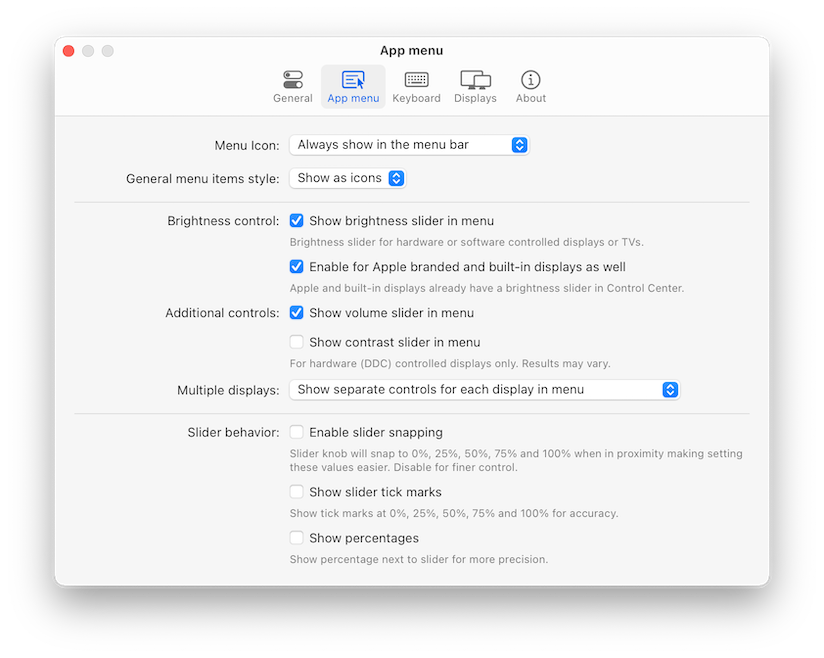
Show advanced settingsin app Preferences). - Modern, stylish and highly customizable menulet reflecting the design of Control Center introduced in Big Sur.
- Simple, unobstrusive UI to blend in to the general aesthetics of macOS (even the menu icon can be hidden).
- Supports automatic updates for a hassle-free experience.
- The best app of its kind, completely FREE (donations welcome) with the source code transparently available!
Supported displays
Section titled “Supported displays”- Most modern LCD displays from all major manufacturers supported implemented DDC/CI protocol via DisplayPort, HDMI, USB-C or VGA to allow for hardware backlight control.
- Apple (and LG-Apple) displays and built-in displays are supported using native protocol.
- LCD and LED Televisions usually do not implement DDC, these are supported using software alternatives to dim the image (some higher-end sets are able to translate this into hardware backlight dimming).
- OLED or mini/micro-LED displays and televisions are fully supported using gamma table manipulation (this is a no-compromise solution for this class of displays).
- DisplayLink, Airplay and Sidecar are supported using shade (dark overlay) control.
- The app is compatible with BetterDummy mirrored sets.
Notable exceptions for hardware control compatibility:
- Some displays (notably EIZO) use MCCS over USB or an entirely custom protocol for control. These displays are supported with software dimming only.
- The HDMI port of the 2018 Intel Mac mini and 2020 M1 Mac mini prohibit DDC communication. Software control is still available. We recommend connecting the display via the USB-C port (USB-C to HDMI dongles usually work).
- DisplayLink docks and dongles do not allow for DDC control on Macs, only software dimming is available for these connections.
Installation
Section titled “Installation”Download newest release from Github.com.
Examples
Section titled “Examples”