ROADrecon
Rogue Office 365 and Azure AD (active) Directory tools - ROADtools is a framework to interact with Azure AD. It currently consists of a library (roadlib) and the ROADrecon Azure AD exploration tool.
Installation
Section titled “Installation”python3 -m pip install roadreconTo upgrade use:
python3 -m pip install --upgrade roadreconroadrecon [-h] {auth,gather,dump,gui,plugin} ...ROADrecon - The Azure AD exploration tool.
By @_dirkjan - dirkjanm.io
To get started, use one of the subcommands. Each command has a help feature (roadrecon <command> -h).
1. Authenticate to Azure AD
roadrecon auth <options>
2. Gather all information
roadrecon gather <options>
3. Explore the data or export it to a specific format using a plugin
roadrecon gui
roadrecon plugin -h
positional arguments:
{auth,gather,dump,gui,plugin}
auth Authenticate to Azure AD
gather (dump) Gather Azure AD information
gui Launch the web-based GUI
plugin Run a ROADrecon plugin
optional arguments:
-h, --help show this help message and exitPlugins
Section titled “Plugins”| Plugin | Description |
|---|---|
| policies | Parse conditional access policies |
| bloodhound | Export Azure AD data to a custom BloodHound version |
| xlsexport | Export data to an Excel file |
| road2timeline | Generate a forensic timeline from Azure AD object timestamps |
Examples
Section titled “Examples”Authentication username / password based
Section titled “Authentication username / password based”$ roadrecon auth -u john.do@offsec.nl
Password:
Tokens were written to .roadtools_authAuthentication with device code (when MFA required)
Section titled “Authentication with device code (when MFA required)”$ roadrecon auth --device-code
To sign in, use a web browser to open the page https://microsoft.com/devicelogin and enter the code D2DYVPQWC to authenticate.
Tokens were written to .roadtools_authGather information
Section titled “Gather information”$ roadrecon gather -f .roadtools_auth
Starting data gathering phase 1 of 2 (collecting objects)
Starting data gathering phase 2 of 2 (collecting properties and relationships)
ROADrecon gather executed in 82.96 seconds and issued 4148 HTTP requests.Start analysis tool
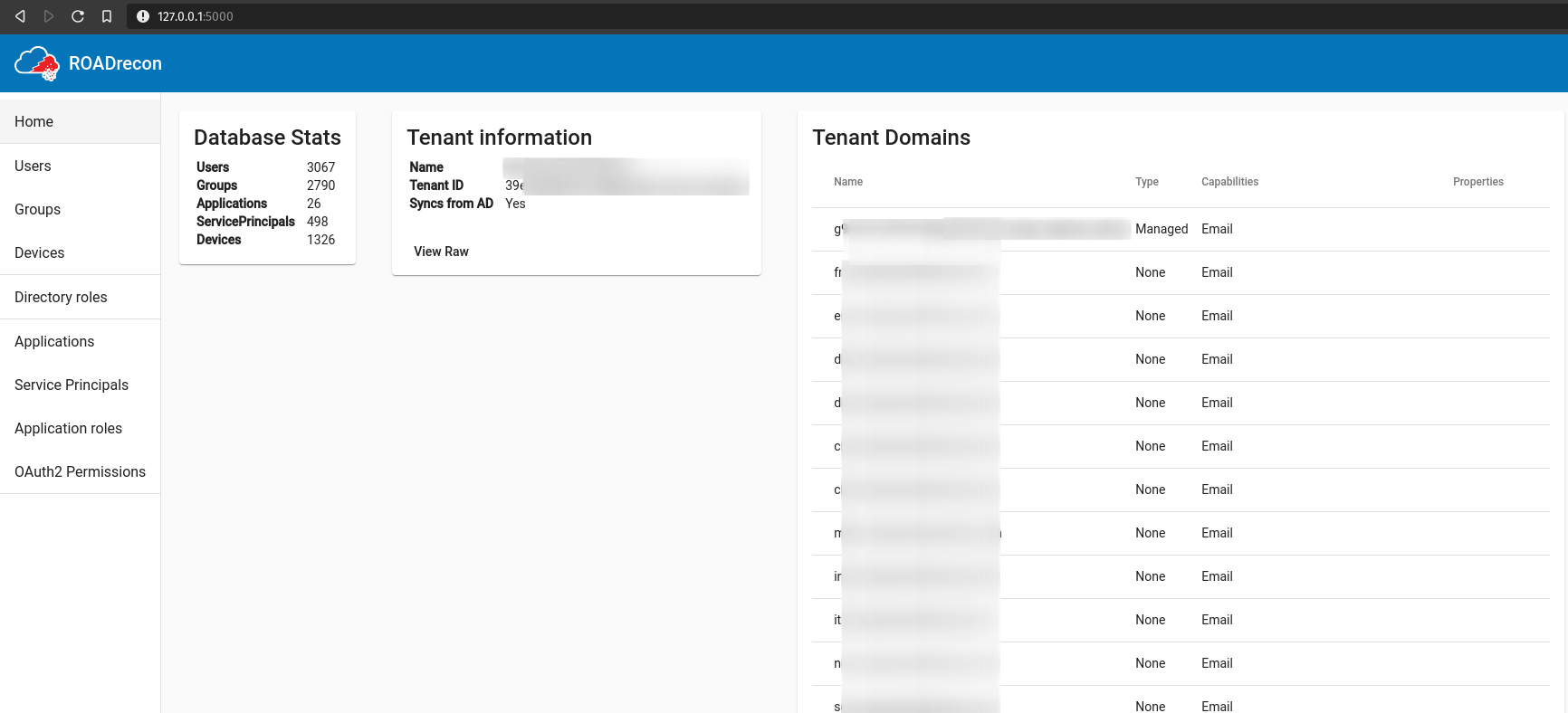
Section titled “Start analysis tool”Requirement: roadrecon.db needs to be in the same folder as the GUI is started
$ roadrecon gui

 * Serving Flask app "roadtools.roadrecon.server" (lazy loading)
 * Environment: production
   WARNING: This is a development server. Do not use it in a production deployment.
   Use a production WSGI server instead.
 * Debug mode: off
 * Running on http://127.0.0.1:5000/ (Press CTRL+C to quit)
Export to XLS
Section titled “Export to XLS”$ roadrecon plugin xlsexport -d roadrecon.db -v
Export Users info
Export Devices info
Export Groups info
Export MemberOf info
Export Directory roles info
Export Applications info
Export Service principals info
Export Applications roles info
Export Oauth2 permissions info
Export MFA info
Data have been exported to the data.xls file