Just Perfection
Disable and Customize GNOME shell UI Elements.
This extension allows you to do the following:
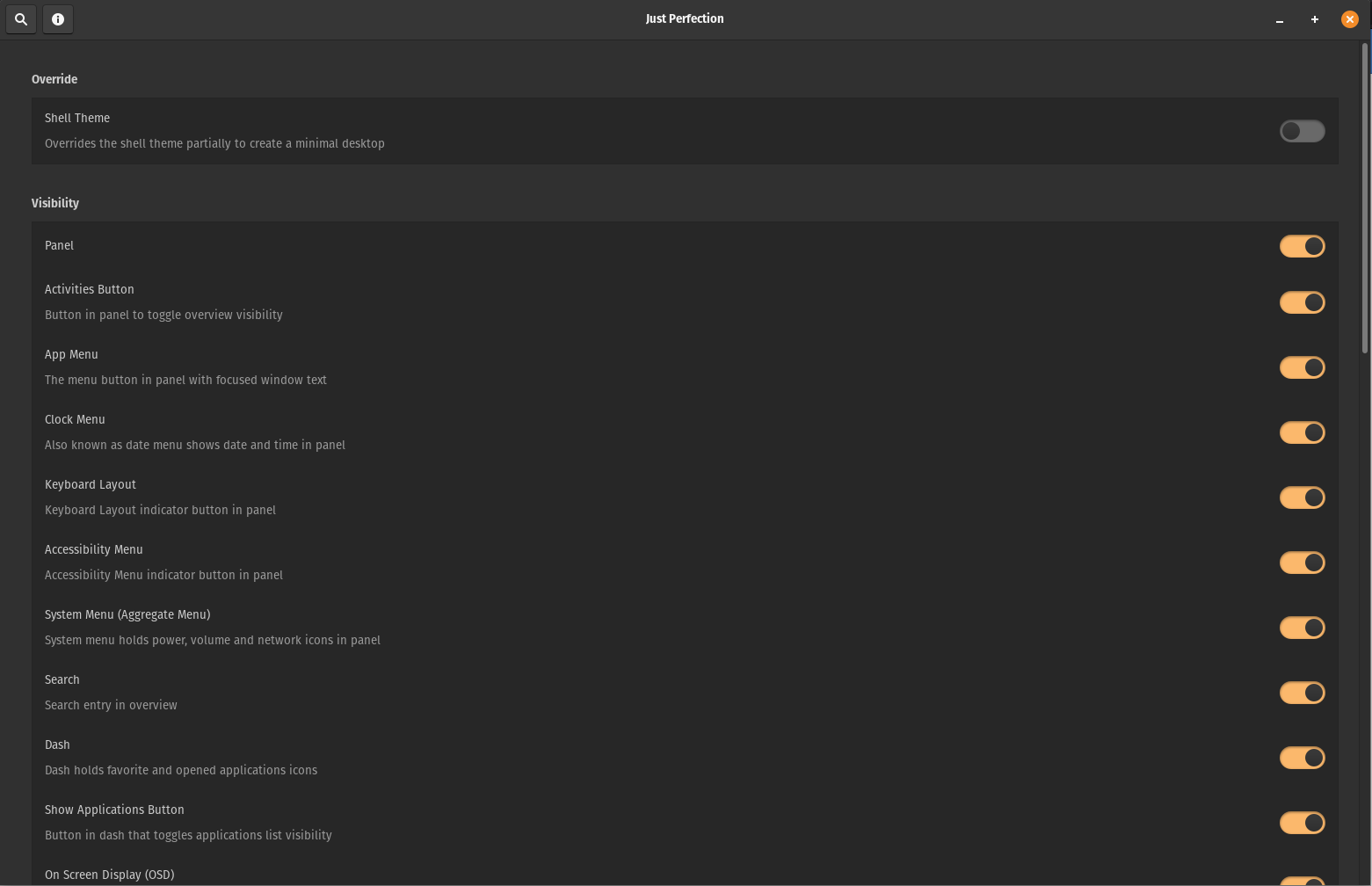
Visibility
Section titled “Visibility”- OSD
- Search
- Dash
- Workspace Switcher
- Workspace Popup
- Panel
- Background Menu
- Activities button
- App Menu
- Clock Menu
- Keyboard Layout
- Accessibility Menu
- System Menu (Aggregate Menu)
- Applications Button
- Workspaces in app grid (Only GNOME Shell 40)
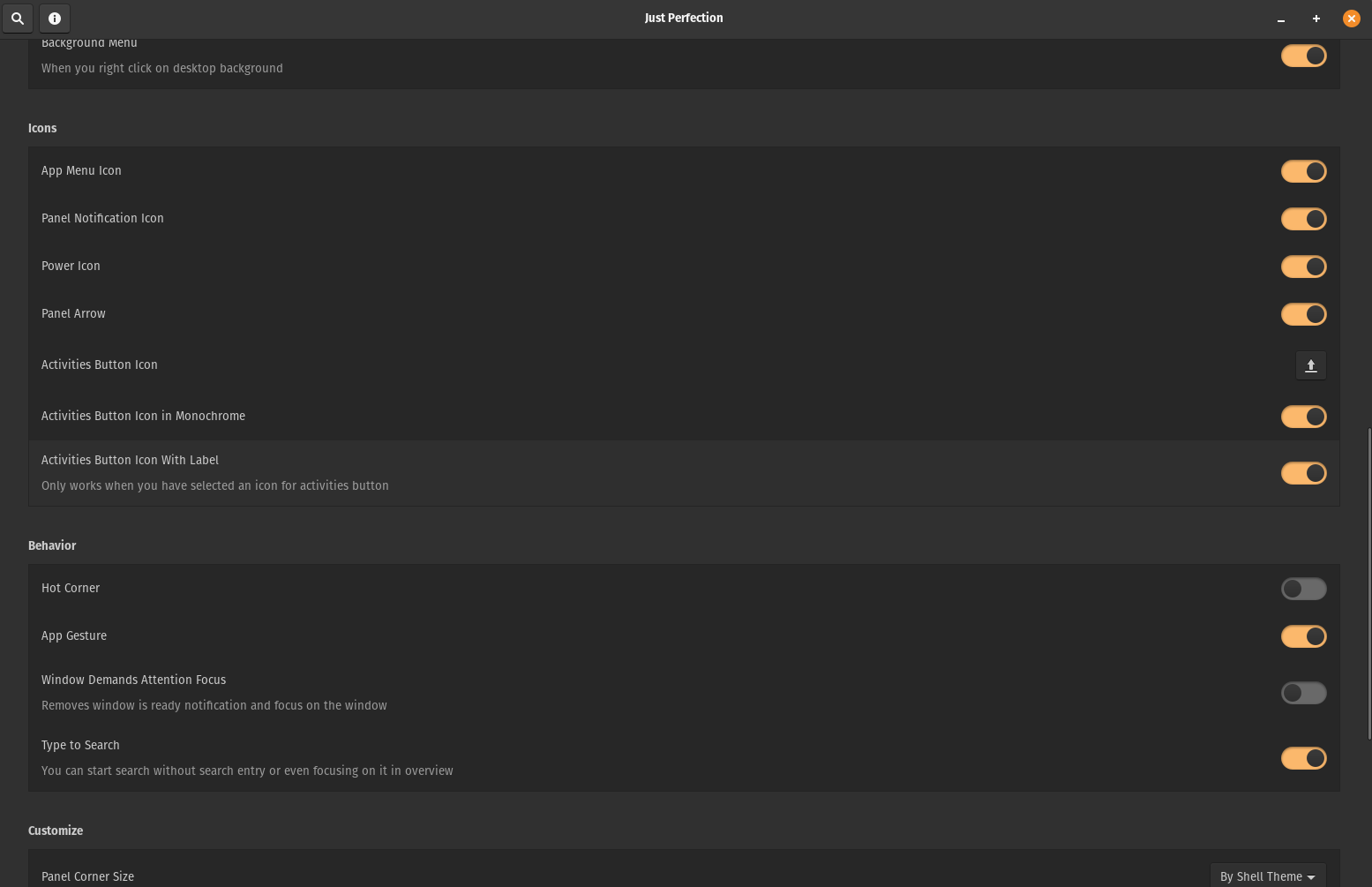
Icons Visibility
Section titled “Icons Visibility”- App Menu Icon
- Power Icon
- Panel Notification icon
- Window Picker Icon (Only GNOME Shell 40)
- Panel Arrow (Only GNOME Shell 3.36 and 3.38)
- Activities Button Icon
Behavior
Section titled “Behavior”- Disable Type to Search
- Hot Corner
- App Gesture (Only GNOME Shell 3.36 and 3.38)
- Window Demands Attention Focus
- Always Show Workspace Switcher on Dynamic Workspaces (Only GNOME Shell 40)
- Startup status (Only GNOME Shell 40)
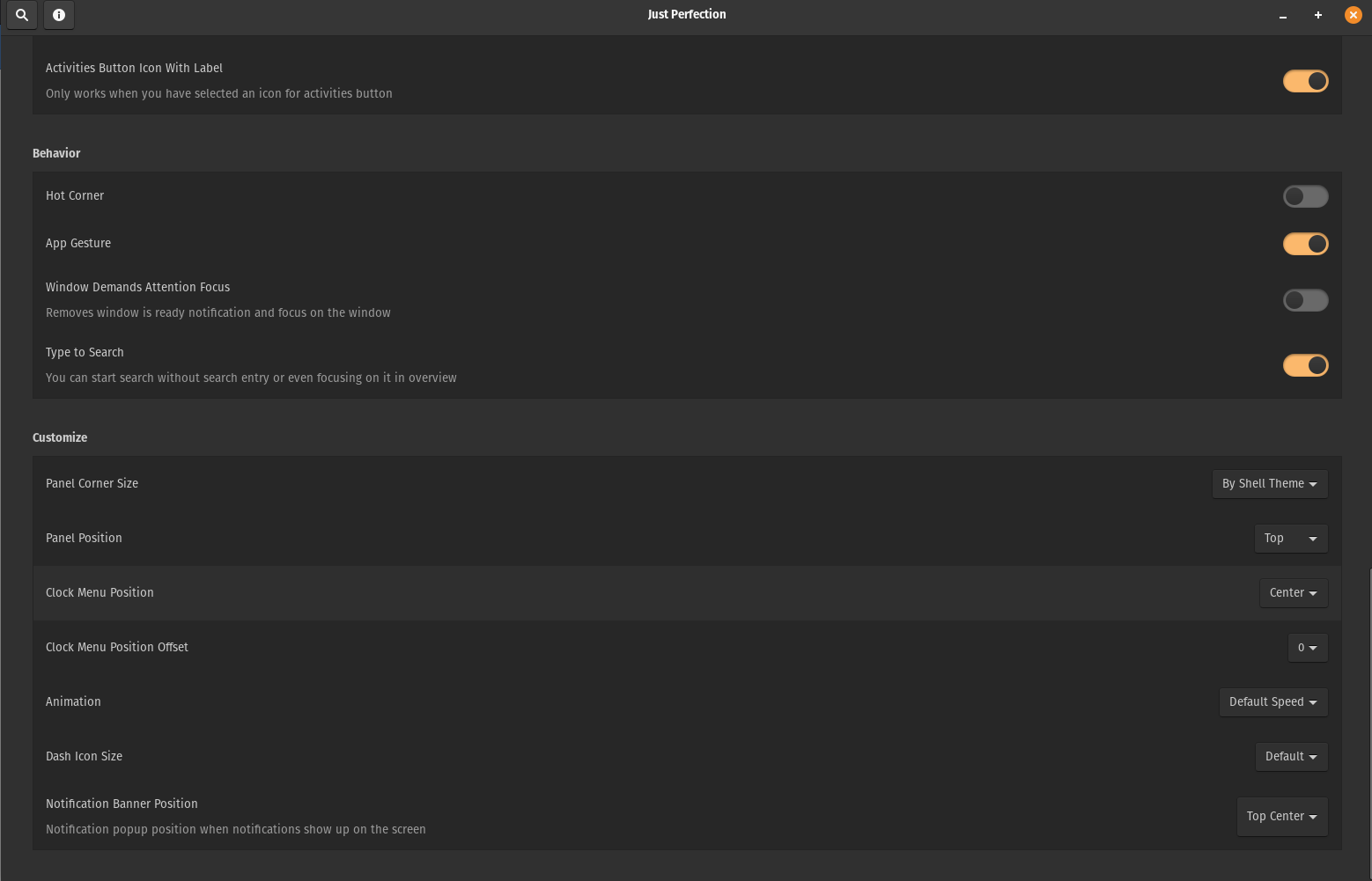
Customize
Section titled “Customize”- Panel Position
- Panel Round Corner Size
- Clock Menu Position
- Workspace Switcher Size (Only GNOME Shell 40)
- Animation Speed or Disable it
- Dash Icon Size
- Notification Banner Position
Override
Section titled “Override”- GNOME shell theme (You don’t need to have user-theme-extension)
Installation
Section titled “Installation”Installation via extensions.gnome.org
Examples
Section titled “Examples”