
Sosumi
Download and install macOS in a VM / macOS on Linux in one command.
Installation
Section titled “Installation”Clean install of macOS will take 30.6 GiB of disk space.
sudo snap install sosumiRun initial setup and install macOS.
sosumiAfter installation you can just run the command of the snap module to start the macOS environment.
sosumiInitial installation
Section titled “Initial installation”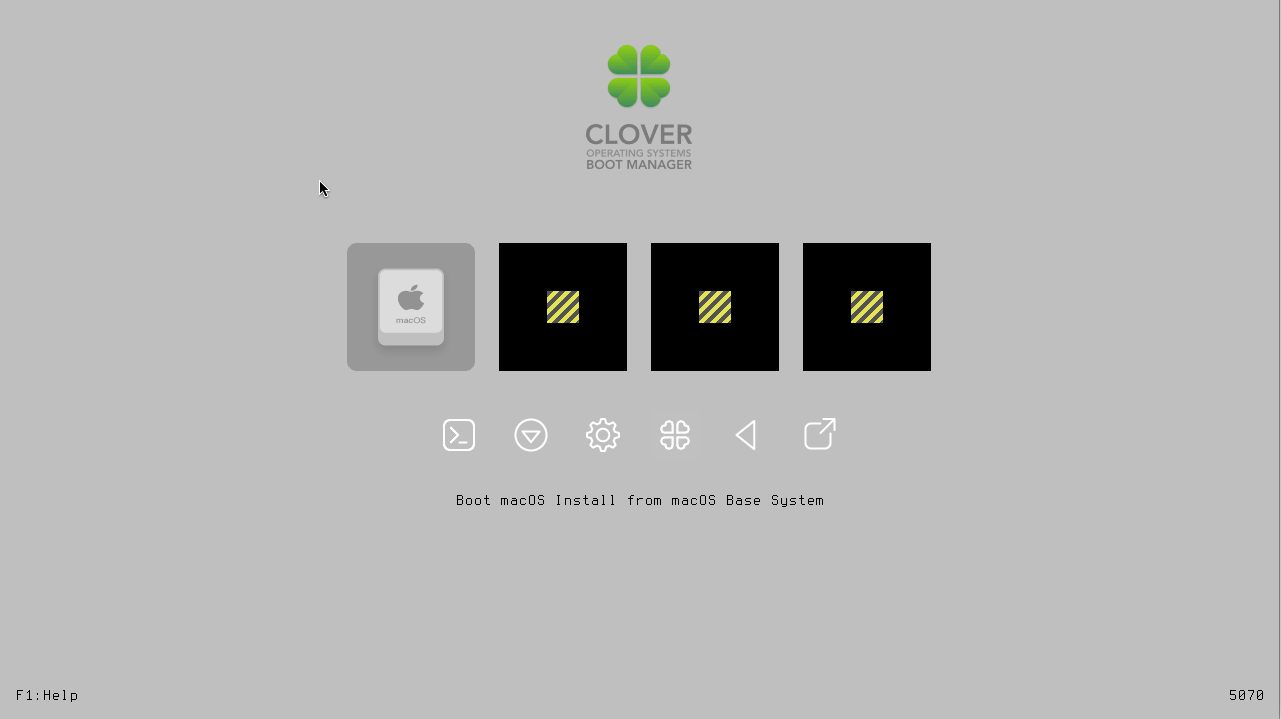
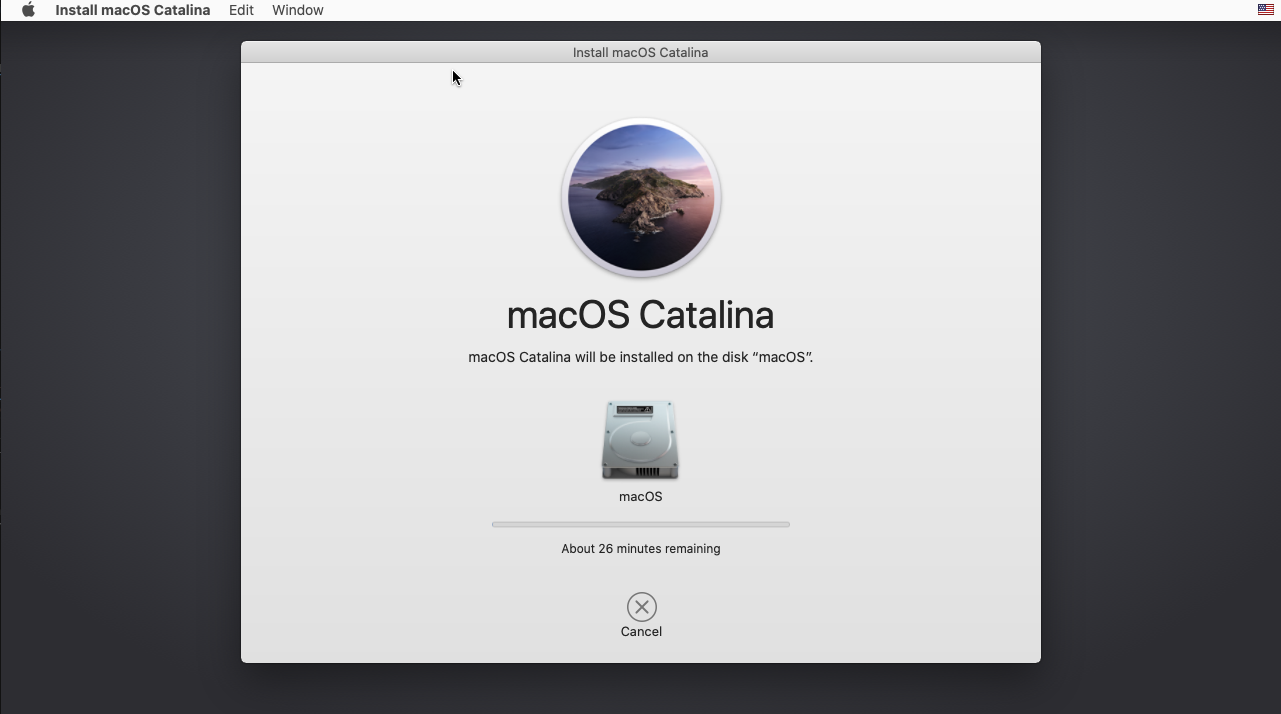

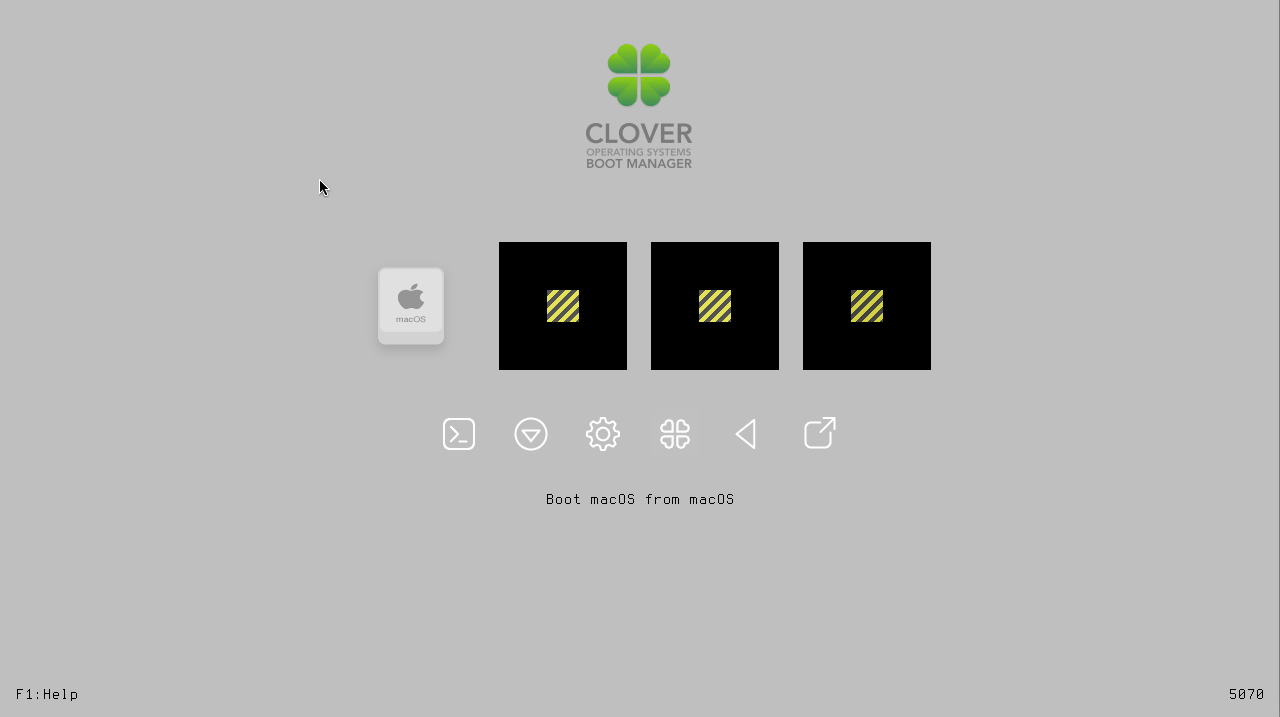
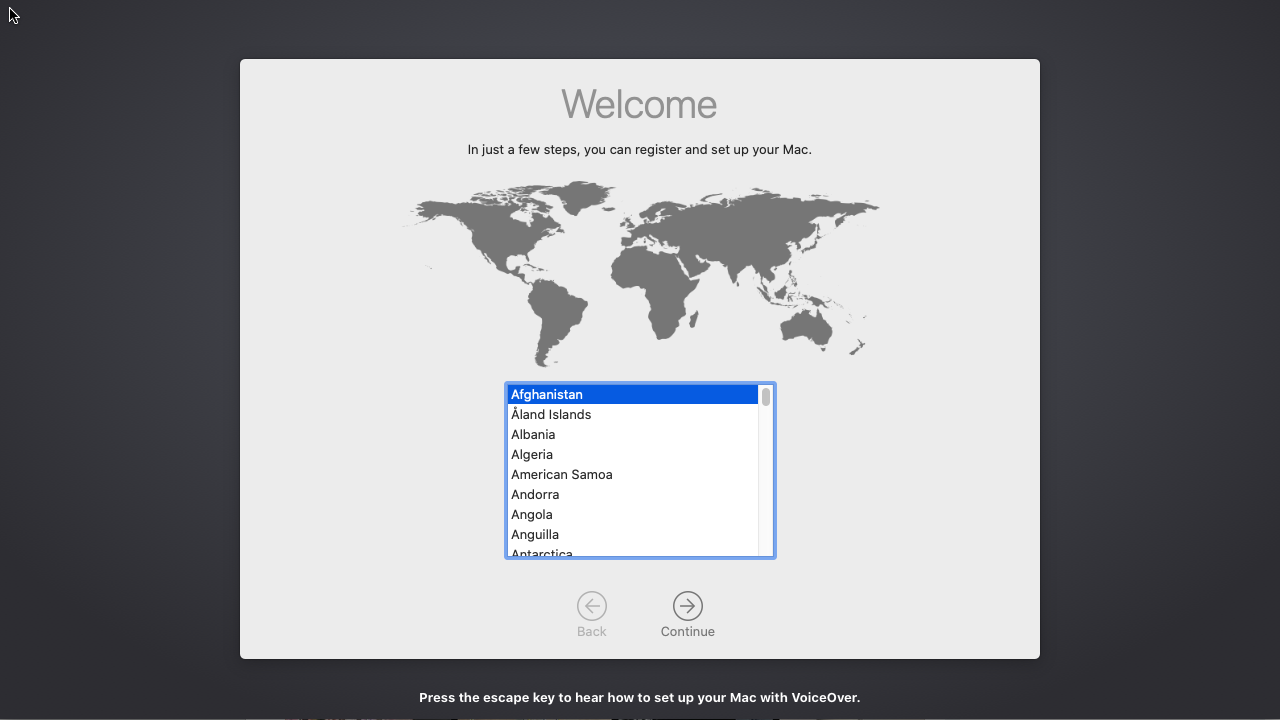
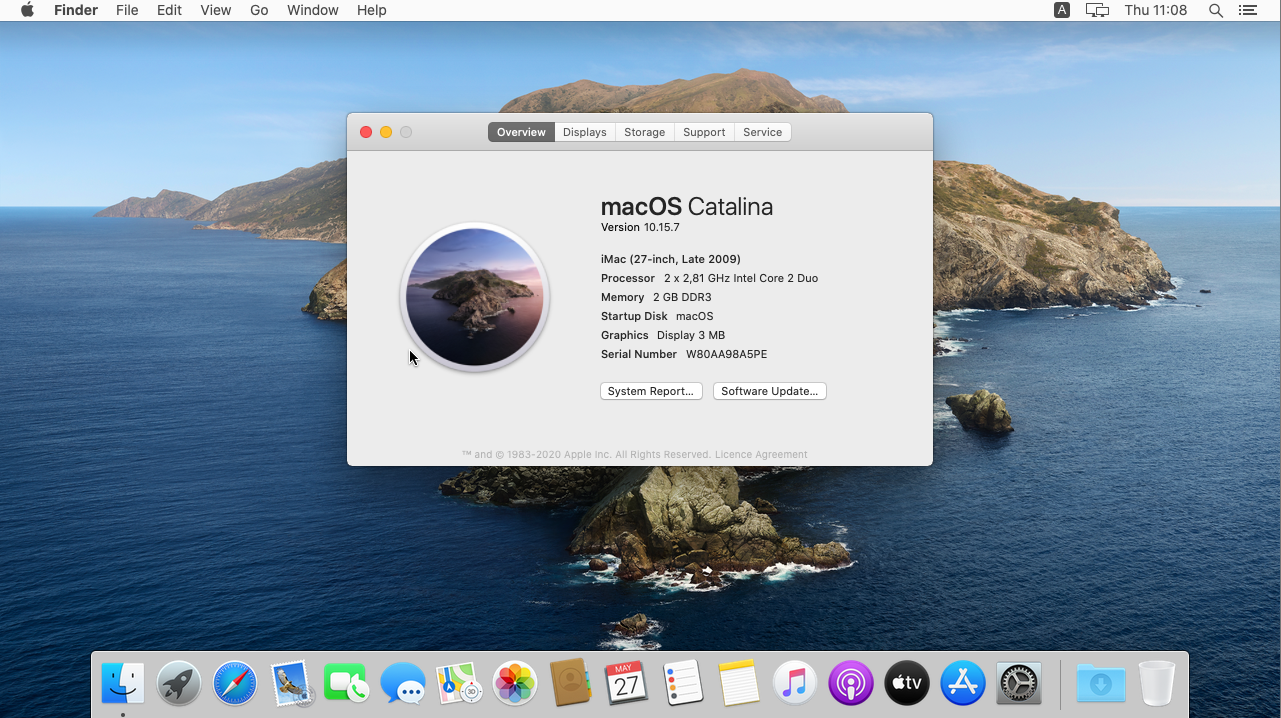
Edit resolution
Section titled “Edit resolution”From Apple Terminal inside macOS.
diskutil list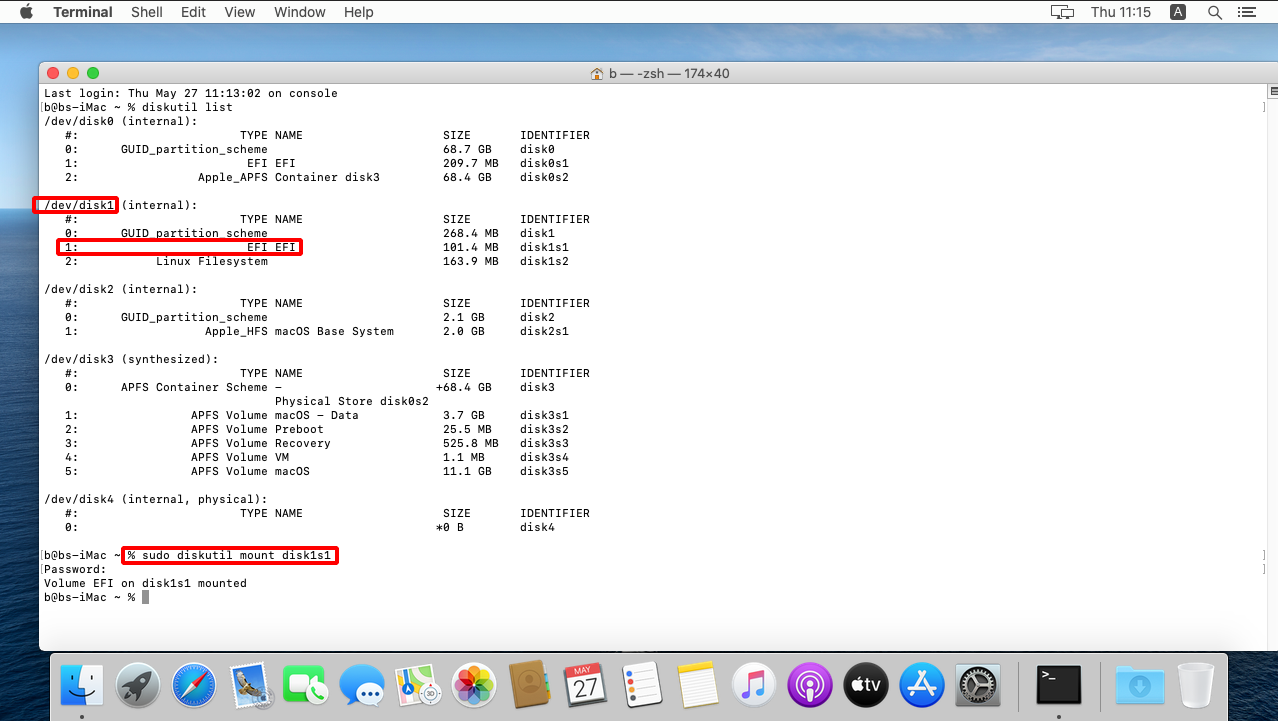
sudo diskutil mount <EFI-PARTITION>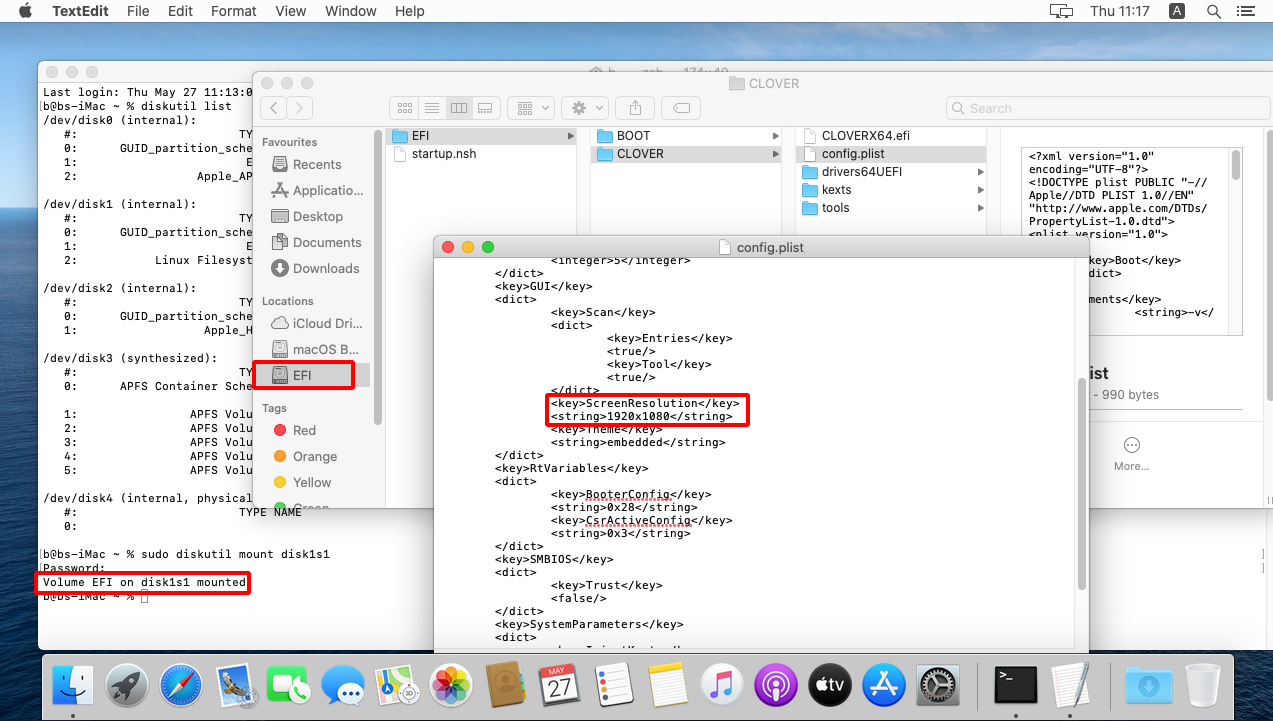
Edit RAM CPU
Section titled “Edit RAM CPU”nano ~/snap/sosumi/common/launchExample configuration.
#!/bin/bash

OSK="ourhardworkbythesewordsguardedpleasedontsteal(c)AppleComputerInc"

"$SNAP"/usr/bin/qemu-system-x86_64 \
    -enable-kvm \
    -m 8G \
    -machine q35,accel=kvm \
    -smp 4,cores=4 \
    -cpu Penryn,vendor=GenuineIntel,kvm=on,+sse3,+sse4.2,+aes,+xsave,+avx,+xsaveopt,+xsavec,+xgetbv1,+avx2,+bmi2,+smep,+bmi1,+fma,+movbe,+invtsc \
    -device isa-applesmc,osk="$OSK" \
    -smbios type=2 \
    -object rng-random,id=rng0,filename=/dev/urandom -device virtio-rng-pci,rng=rng0 \
    -serial mon:stdio \
    -drive if=pflash,format=raw,readonly,file="$SNAP"/firmware/OVMF_CODE.fd \
    -drive if=pflash,format=raw,file="$SNAP_USER_COMMON"/firmware/OVMF_VARS-1024x768.fd \
    -device virtio-vga,virgl=on \
    -display sdl,gl=on \
    -L "$SNAP"/usr/share/seabios/ \
    -L "$SNAP"/usr/lib/ipxe/qemu/ \
    -audiodev pa,id=pa,server="/run/user/$(id -u)/pulse/native" \
    -device ich9-intel-hda -device hda-output,audiodev=pa \
    -usb -device usb-kbd -device usb-mouse \
    -netdev user,id=net0 \
    -device vmxnet3,netdev=net0,id=net0 \
    -drive id=ESP,if=virtio,format=qcow2,file="$SNAP_USER_COMMON"/ESP.qcow2 \
    -drive id=InstallMedia,format=raw,if=virtio,file="$SNAP_USER_COMMON"/BaseSystem/BaseSystem.img \
    -drive id=SystemDisk,if=virtio,file="$SNAP_USER_COMMON"/macos.qcow2 \
USB passthrough
Section titled “USB passthrough”Check if permissions are present for raw-usb
Section titled “Check if permissions are present for raw-usb”$ snap interfaces sosumi
Slot Plug
:audio-playback sosumi
:desktop sosumi
:home sosumi
:kvm sosumi
:network sosumi
:network-bind sosumi
:opengl sosumi
:screen-inhibit-control sosumi
:unity7 sosumi
:wayland sosumi
:x11 sosumi
- sosumi:audio-record
- sosumi:network-control
- sosumi:raw-usbGive permissions for raw-usb
Section titled “Give permissions for raw-usb”sudo snap connect sosumi:raw-usb$ snap interfaces sosumi
Slot Plug
:audio-playback sosumi
:desktop sosumi
:home sosumi
:kvm sosumi
:network sosumi
:network-bind sosumi
:opengl sosumi
:raw-usb sosumi
:screen-inhibit-control sosumi
:unity7 sosumi
:wayland sosumi
:x11 sosumi
- sosumi:audio-record
- sosumi:network-control{{< youtube QWZ_LjzT39k >}}