
Virtualbox
VirtualBox is a powerful x86 and AMD64/Intel64 virtualization product for enterprise as well as home use.
Installation
Section titled “Installation”Download newest release from Virtualbox.org
Guest Additions
Section titled “Guest Additions”sudo apt update && sudo apt upgrade -y
sudo apt install build-essential dkms linux-headers-$(uname -r)Mount the Guest Additions and run autorun.sh.
Troubleshooting
Section titled “Troubleshooting”When no USB-device is reported to send to vm
Section titled “When no USB-device is reported to send to vm”sudo adduser $USER vboxusersExamples
Section titled “Examples”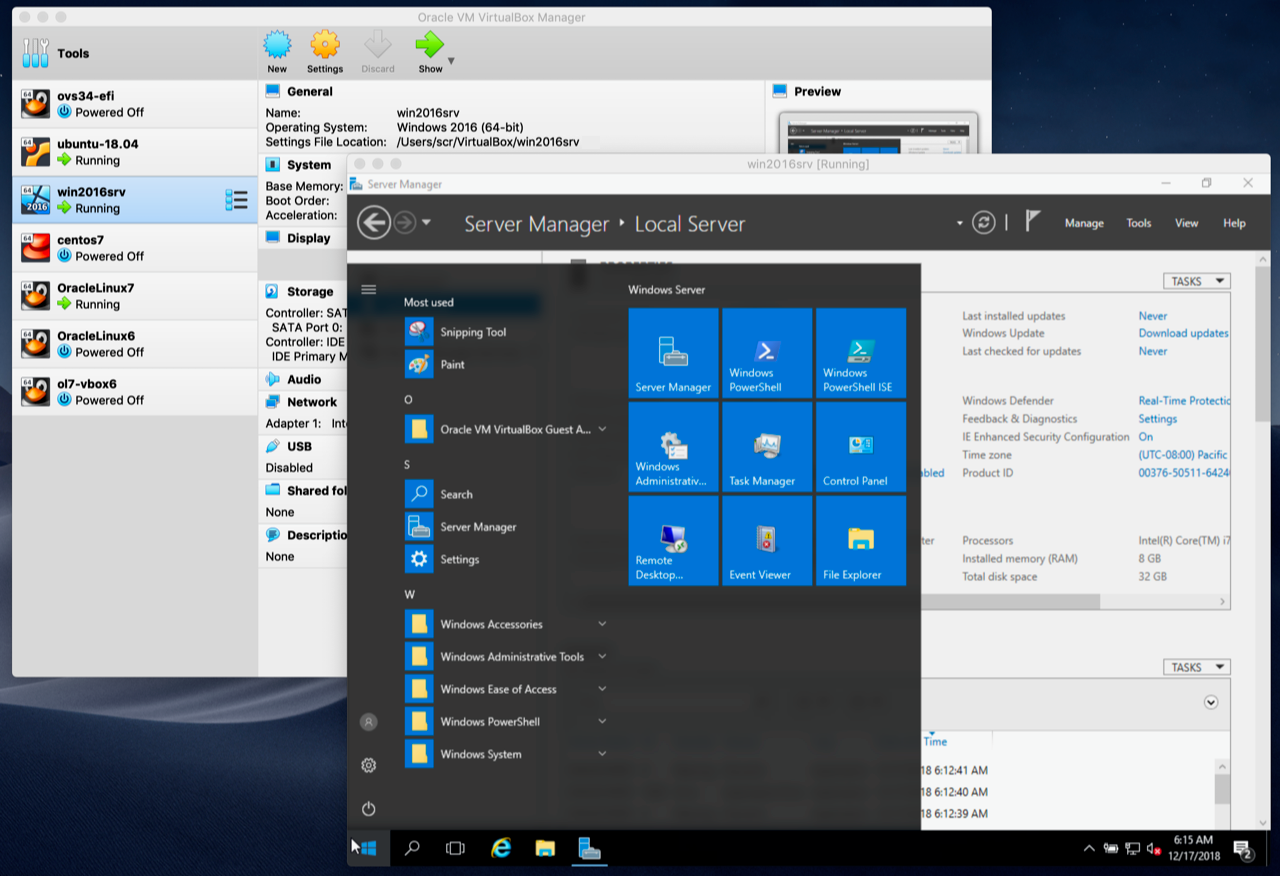
VirtualBox CLI
Section titled “VirtualBox CLI”| Description | Command | Option(s) |
|---|---|---|
| List All VMS | VBoxManage list vms | - |
| List running VMS | VBoxManage list runningvms | More details add -l |
| Show VM Properties | VBoxManage showvminfo <vm> | - |
| Start VM (Not HeadLess) | VBoxManage startvm <vm> | --type headless |
| Stop Time Sync Between Host and Client | VBoxManage setextradata <vm> "VBoxInternal/Devices/VMMDev/0/Config/GetHostTimeDisabled" "1" | - |
| Send ACPI Shutdown Signal | VBoxManage controlvm <vm> acpipowerbutton | - |
| PowerOff VM | VBoxManage controlvm <vm> poweroff | - |
| Reset VM | VBoxManage controlvm <vm> reset | - |
| Pauze VM | VBoxManage controlvm <vm> pause | - |
| Resume VM | VBoxManage controlvm <vm> resume | - |
| Memory | VBoxManage modifyvm <vm> --memory 1024 | - |
| CPUs | VBoxManage modifyvm | - |
For example running Ubuntu Server headless with Virtualbox on top, you can install xorg (sudo apt install xorg) to be able to use SSH and manage the interface.