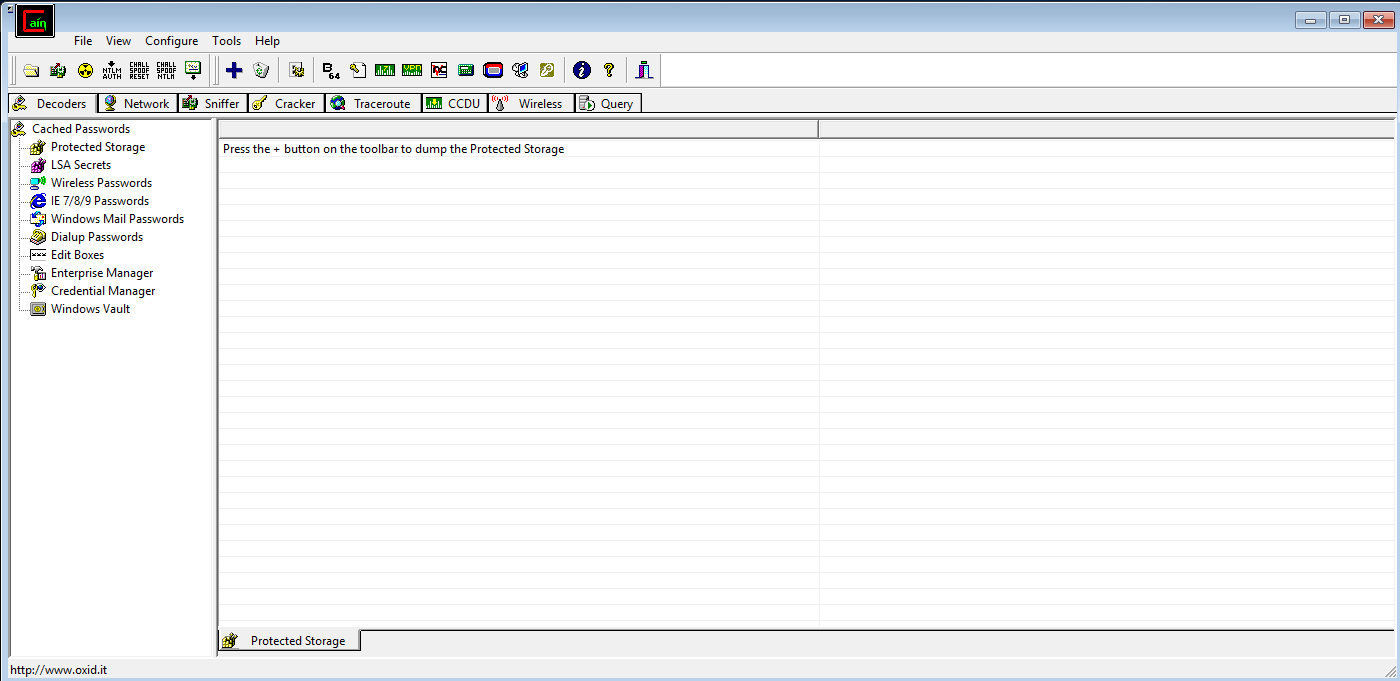
Cain
Installation
Section titled “Installation”Required Winpacp.org
{{%resources fa_icon_class=“far fa-file” pattern=”.*(exe)”/%}}
Network adapter > IPv4 properties > Advanced > DNS > Enable ‘Use this connection’s DNS suffix in DNS registration’
1. Start Cain as Admin
2. Start Sniffer - then right click on the white field select 'Scan MAC Addresses'
3. Go to tab APR - then click the + and add the targeted IP's (prefered the router)
4. Click the yellow nuke button to start
Examples
Section titled “Examples”